





Phone Models
Google Pixel 9a / 9 Pro / 9 Pro XL / 9 / 8a / 8 Pro / 8 / Fold
Google Pixel 7a / 7 Pro / 7 / 6a / 6 Pro / 6 / 5a / 5 / 4a / 4 XL / 4
*And Other Wireless Charging Phones.
Earbuds Models
Google Pixel Buds Pro 2 / Buds Pro
*And Other Earbuds with Wireless Charging Case
Watch Models
Google Pixel Watch 3 / 2
Fitbit Versa 4 / Fitbit Versa 3 / Fitbit Sense 2 / and Fitbit Sense
*Not for Google Pixel Watch, Other Watches
1 * SwanScout 703G2 Fast Charging Station
1 * USB-A to USB-C Charge Cable (4.92ft / 1.5m)
1 * User Manual
Dimensions & Weight
Height: 0.91in. / 2.3cm
Length: 5.28in. / 13.4cm
Width: 3.35in. / 8.5cm
Weight: 5.29oz. / 150g
Specifications
Input: 5V⎓3A / 9V⎓2A / 12V⎓1.5A
Output for Phone: 10W (Max)
Output for Earbus: 3.5W (Max)
Output for Watch: 2.5W (Max)
*The suggestion is to use a 25W adapter.
User Manual
Download
Time Format Setting:
Press"Time Setting"button to select 12/24-hour format.
Hours / Minutes Setting:
- Hold "Time Setting" button for 3 seconds to enter adjustment mode.
- Press "Time Setting” button to switch between hours and minute.
- Adjust with "+/-" buttons.
- Wait 5 seconds to complete the setting.
Hot
SwanScout 703G2 - 3 in 1 Foldable Wireless Charger for Google Pixel Watch 2/3
Elegant Wireless Charging Stand for Google Pixel Watch 2/3 (Not for Pixel Watch 1), Google Pixel Stand for Pixel 9a/9 Pro/9 Pro XL/9/8 Pro/8a/8/7 Pro/7/6/6 Pro, Pixel Wireless Charging Station for Pixel Buds Pro 2 / Buds Pro– Portable Charging Stand for Travel (Adapter not Included).
Tax included.
- Watch Compatibility: Supports Pixel Watch 3/2, Fitbit Versa 4/3, Fitbit Sense 2/Sense;not compatible with Pixel Watch 4/1.
- Charging Control Button: Includes an ON/OFF button to enable or disable phone charging.
- Night Clock Display: Built-in digital clock with adjustable brightness for nighttime use.
- 18W Power Requirement: Works with 18W+ 9V/2A PD or QC3.0 wall chargers(charger not included).
-
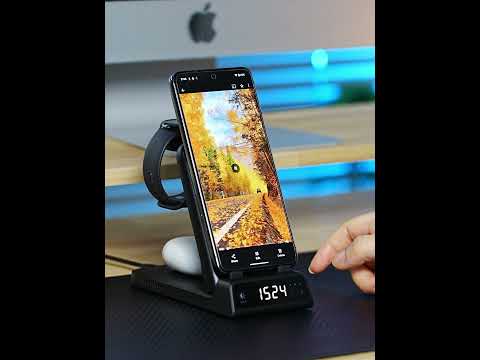
Foldable Structure: Folds for travel and supports simultaneous charging for phone, Pixel Watch 3, and Pixel Buds Pro.
Phone Models
Google Pixel 9a / 9 Pro / 9 Pro XL / 9 / 8a / 8 Pro / 8 / Fold
Google Pixel 7a / 7 Pro / 7 / 6a / 6 Pro / 6 / 5a / 5 / 4a / 4 XL / 4
*And Other Wireless Charging Phones.
Earbuds Models
Google Pixel Buds Pro 2 / Buds Pro
*And Other Earbuds with Wireless Charging Case
Watch Models
Google Pixel Watch 3 / 2
Fitbit Versa 4 / Fitbit Versa 3 / Fitbit Sense 2 / and Fitbit Sense
*Not for Google Pixel Watch, Other Watches
1 * SwanScout 703G2 Fast Charging Station
1 * USB-A to USB-C Charge Cable (4.92ft / 1.5m)
1 * User Manual
Dimensions & Weight
Height: 0.91in. / 2.3cm
Length: 5.28in. / 13.4cm
Width: 3.35in. / 8.5cm
Weight: 5.29oz. / 150g
Specifications
Input: 5V⎓3A / 9V⎓2A / 12V⎓1.5A
Output for Phone: 10W (Max)
Output for Earbus: 3.5W (Max)
Output for Watch: 2.5W (Max)
*The suggestion is to use a 25W adapter.
User Manual
Download
Time Format Setting:
Press"Time Setting"button to select 12/24-hour format.
Hours / Minutes Setting:
- Hold "Time Setting" button for 3 seconds to enter adjustment mode.
- Press "Time Setting” button to switch between hours and minute.
- Adjust with "+/-" buttons.
- Wait 5 seconds to complete the setting.
Choose options
Tax included.
Special offer
There is a 20% discount on 703G2 now.
Versatile and Compact
Foldable design makes this charger your perfect travel companion.
Simple Brightness Control
Switch between 12-hour and 24-hour formats instantly.
Safe & Smart
Advanced heat dissipation, temperature protection, overcharge safety, and foreign object detection keep your devices secure.
Bedroom
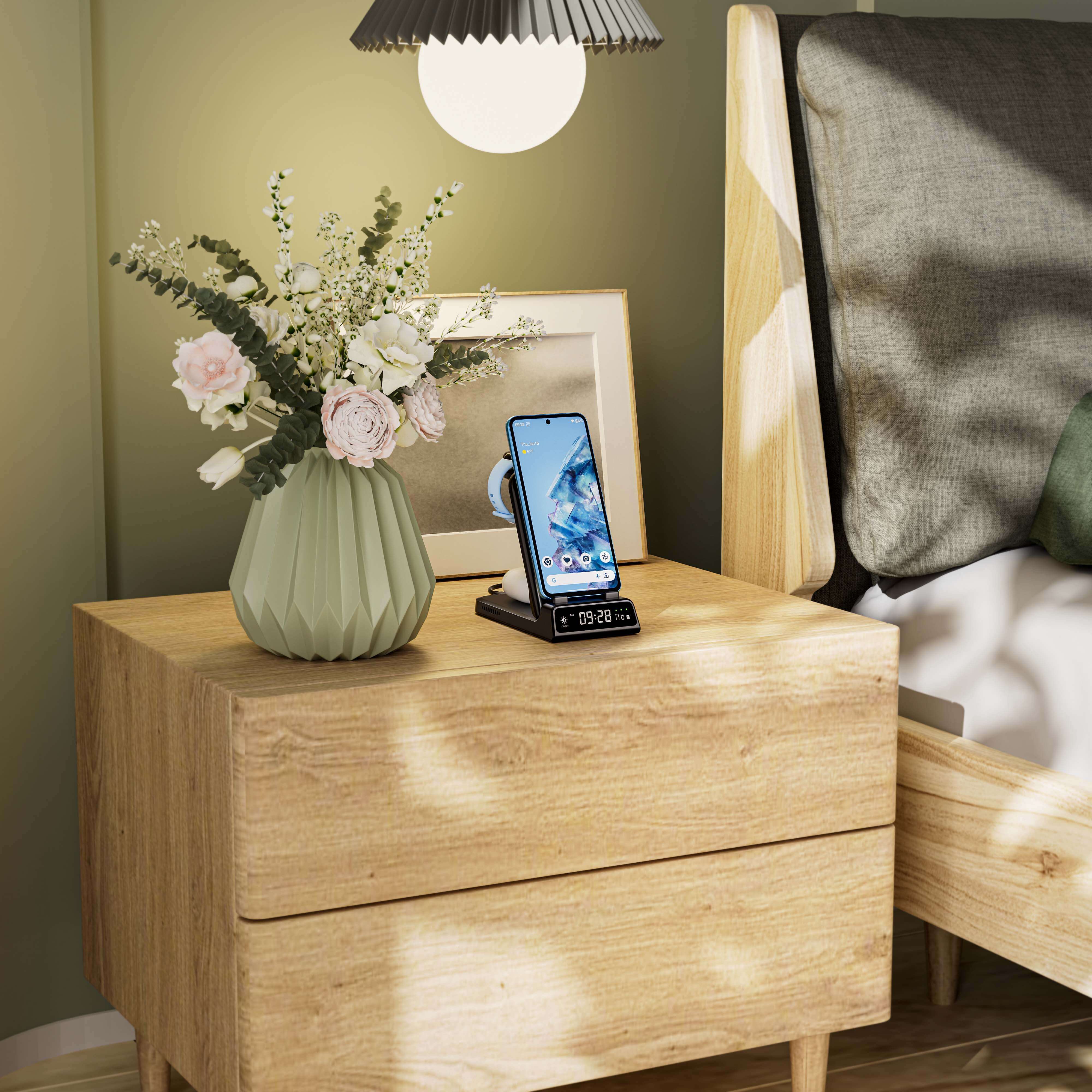
Start your day without worrying about low battery—charge all your devices overnight with ease.
Workspaces
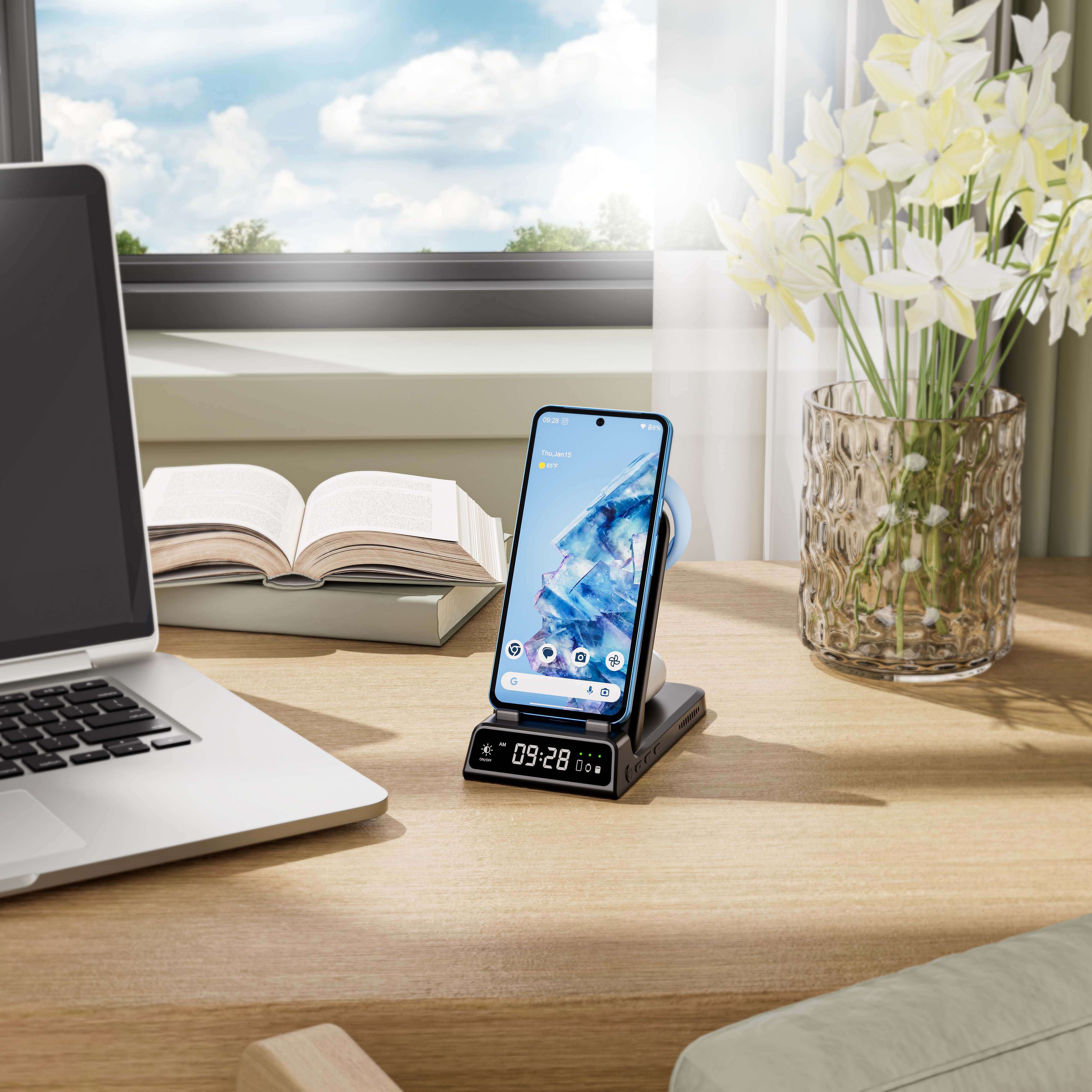
Enjoy a tidy, clutter-free desk while keeping your gadgets fully powered.
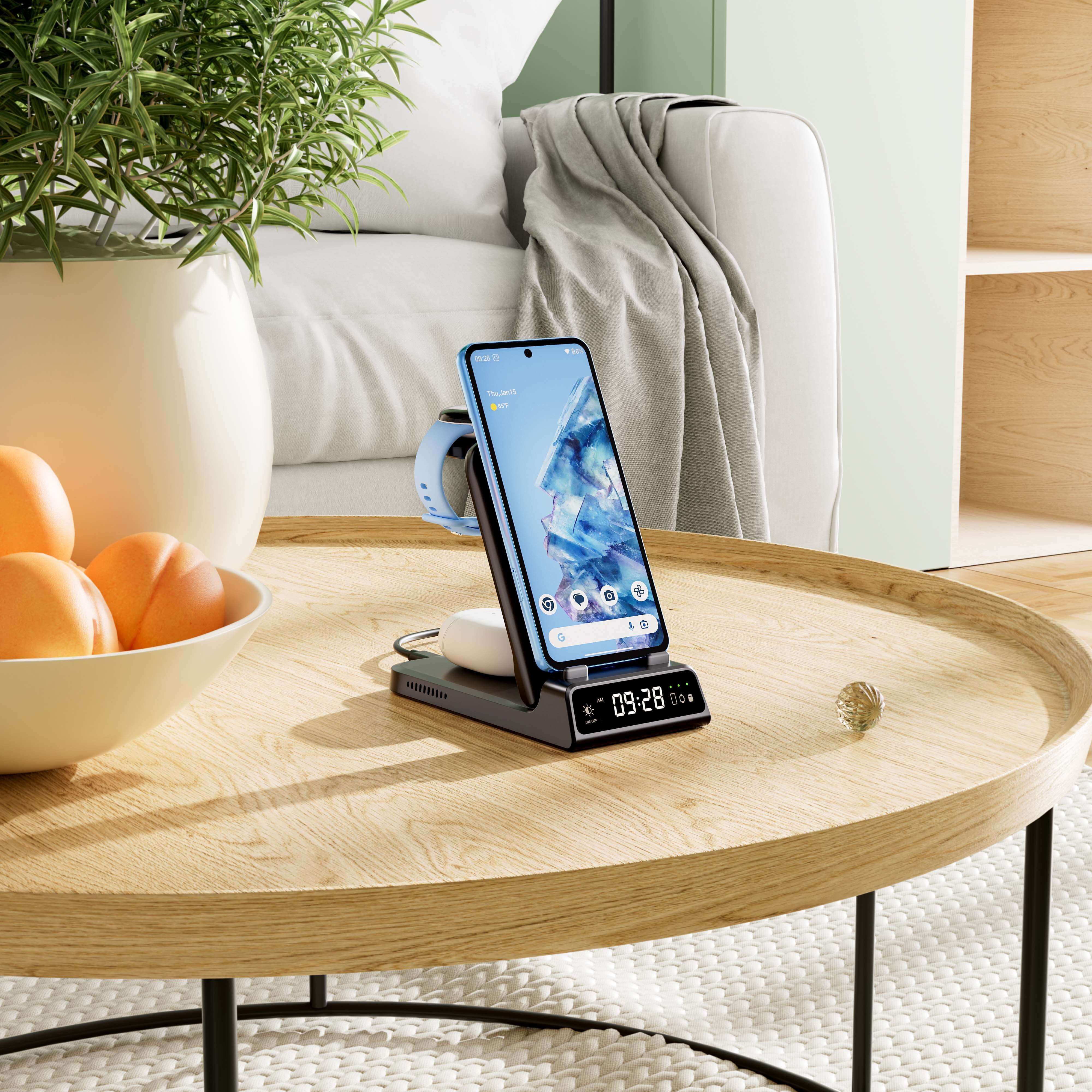
Living room
Keep your devices powered while relaxing on the couch—whether streaming movies, browsing social media, or video chatting, charge effortlessly without leaving your seat.
Compatibility
Device Type
Compatible Models
Phones
Google Pixel 9a
Google Pixel 9 Pro
Google Pixel 9 Pro XL
Google Pixel 9
Google Pixel 8a
Google Pixel 8 Pro
Google Pixel 8
Google Pixel Fold
Google Pixel 7a
Google Pixel 7 Pro
Google Pixel 7
Google Pixel 6a
Google Pixel 6 Pro
Google Pixel 6
Google Pixel 5a
Google Pixel 5
Google Pixel 4a
Google Pixel 4 XL
Google Pixel 4
Watches
Google Pixel Watch 3
Google Pixel Watch 2
Fitbit Versa 4
Fitbit Versa 3
Fitbit Sense 2
Fitbit Sense
Not for Google Pixel Watch,
Other Watches
Earbuds
Google Pixel Buds Pro 2
Google Pixel Buds Pro
Frequently Asked Questions
If the clock display screen is not showing the time, it may be due to a low battery in the clock. Please charge it for at least 30 minutes and try again.
A flashing red light indicates foreign object detection. Please ensure the device being charged is compatible with the product. If your phone has a case, remove it and try charging again.
Both products are 3-in-1 wireless chargers compatible with Google devices. The only difference lies in the watch charging compatibility: SwanScout 703G only supports the Pixel Watch, while SwanScout 703G2 is compatible with the Pixel Watch 2 and 3.
SwanScout 703G2 is also referred to as the Wireless Charger for Pixel Watch 2,Wireless Charger for Pixel Watch 3, Wireless Charging Station for Google, Wireless Charging Stand for Google, 3 in 1 Wireless Charger for Google, and 3 in 1 Wireless Charging Station for Google.Regardless of the name, it provides reliable and efficient charging for Google devices.
Product Comparison


Pixel Watch 2 & 3 • Fitbit Watches
Wireless Charging Phones • Wireless Earbuds
Pixel Watch 2 & 3 • Fitbit Watches
Wireless Charging Phones • Wireless Earbuds
Pixel Phones
Pixel Watch 2 & 3 • Pixel Buds
Pixel Watch 2 & 3 • Fitbit Watches
Wireless Charging Phones • Wireless Earbuds
Pixel Phones ×2
Pixel Watch 2 & 3 • Fitbit Watches
Pixel Watch 2 & 3 • Fitbit Watches
Wireless Charging Phones • Wireless Earbuds
Pixel Watch 2 & 3 • Fitbit Watches
Wireless Charging Phones • Wireless Earbuds
Pixel Phones
Pixel Watch 2 & 3 • Pixel Buds
Pixel Watch 2 & 3 • Fitbit Watches
Wireless Charging Phones • Wireless Earbuds
Pixel Phones ×2
Pixel Watch 2 & 3 • Fitbit Watches